Get Started
It's easy to get started creating and sharing with SIX. Whatever you're recommending, our platform is designed to get you up and running quickly and independently. Watch the videos below for a quick walkthrough of how to get started.
 7 Minutes
Build Pick Library
Learn how to:
- Add Picks to your library
- Edit Pick details manually or with AI Assist
- Use the 'AI Load' pointing to your commerce site
7 MinutesCreate Sixes and Share
Learn how to:
- Create a Six
- Share Sixes via link or QR code
- Receiving a Six
3 MinutesMessaging
Learn how to:
- Add contacts
- Track Opt-Ins
- Send a message in SIX
3 MinutesAdd Teams & Users
Learn how to:
- Structure your hierarchy
- Create a Team
- Add Users
4 MinutesEnterprise Features
Learn how to:
- View all Sixes created by your team members
- Add internal guidance to cascading Sixes
- Log-in as another team/user
4 MinutesAnalytics
Learn how to:
- View Analytics
- Filter by team or date
- Explore top performing users and content
Team Management
SIX transforms how your teams connect with customers by putting powerful recommendation capabilities directly in their hands and in the hands of their friends and family.
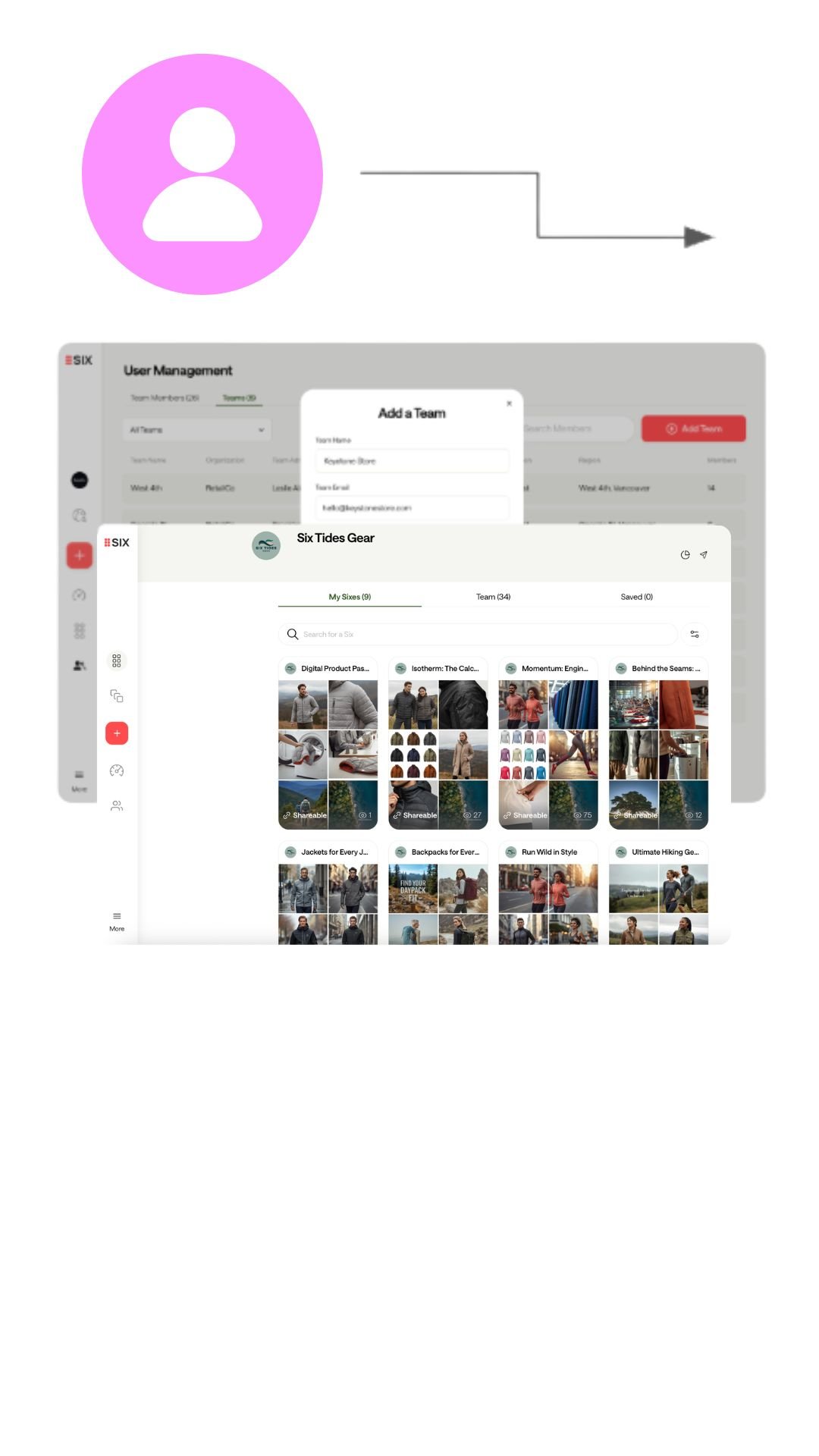
Central Function
Corporate creates a library of content that cascades down to employee accounts.
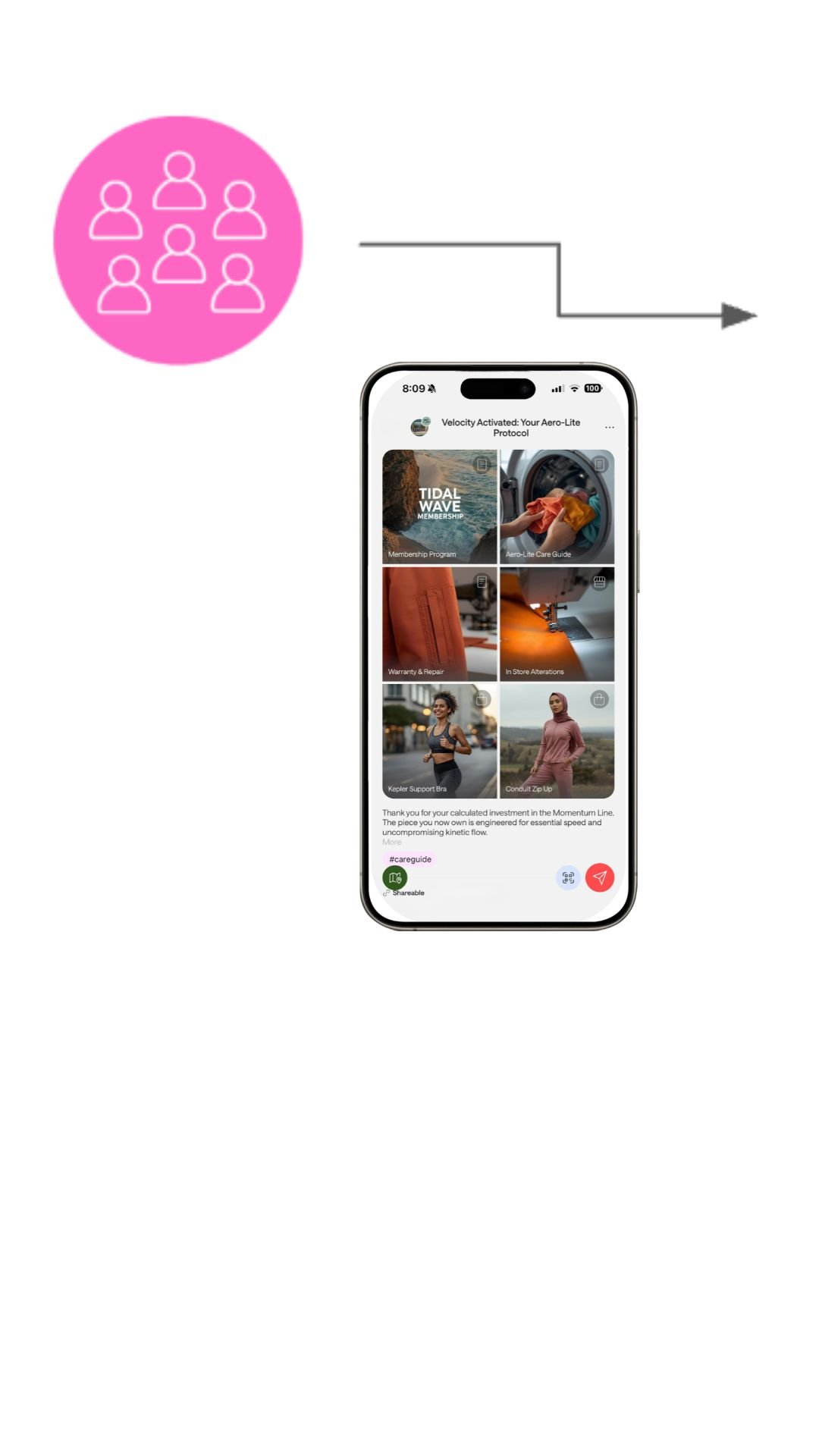
Employees
Customer-facing employees receive pre-populated content, and they can also further customize or create their own.
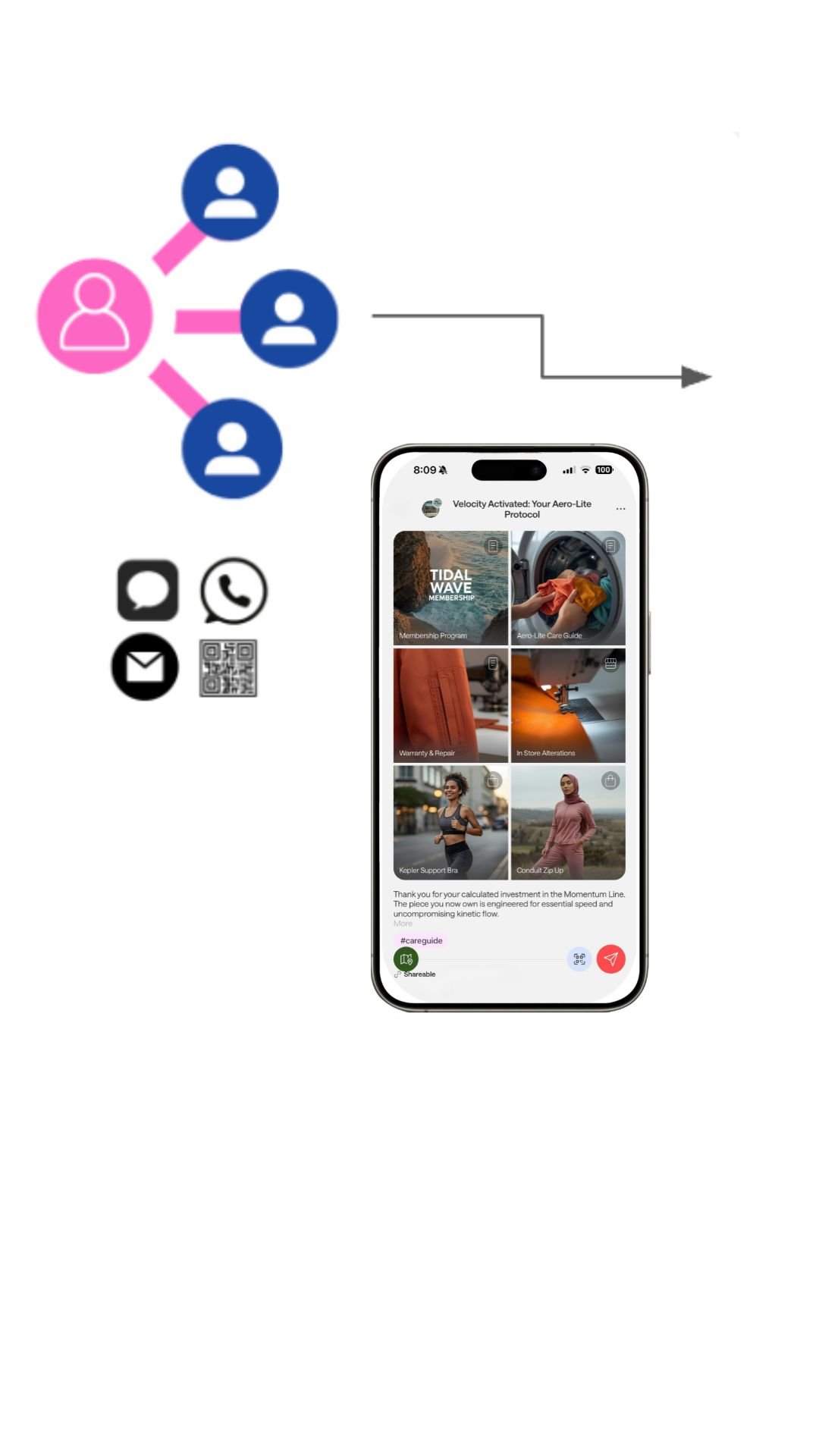
Employees & Customers Engage
Employees use content in specific CX journey touchpoints with the customer.
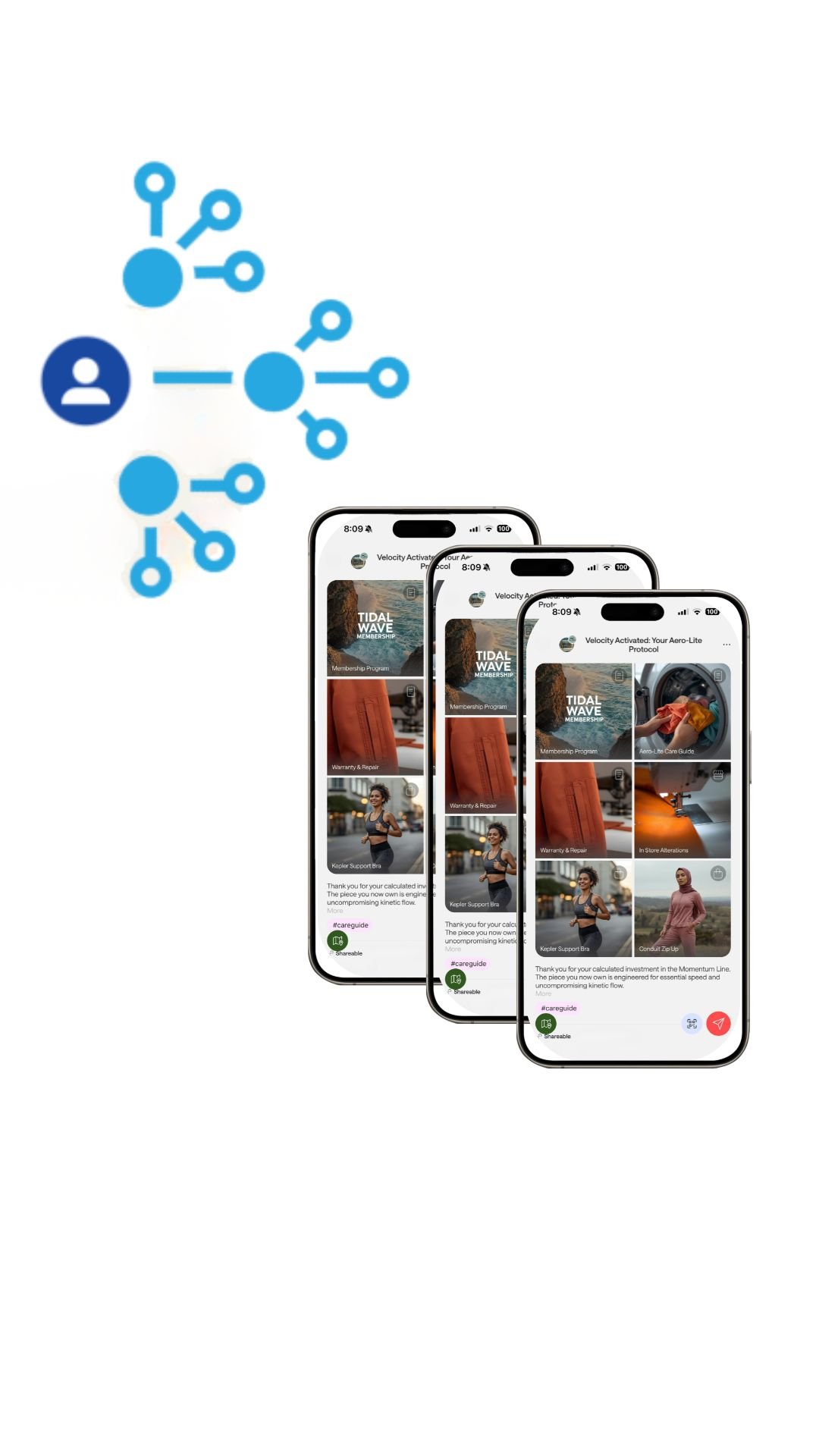
Customers & their networks engage
Customers easily share Sixes with their Friends & Family, and can save and edit their recommendations — activating network effects.
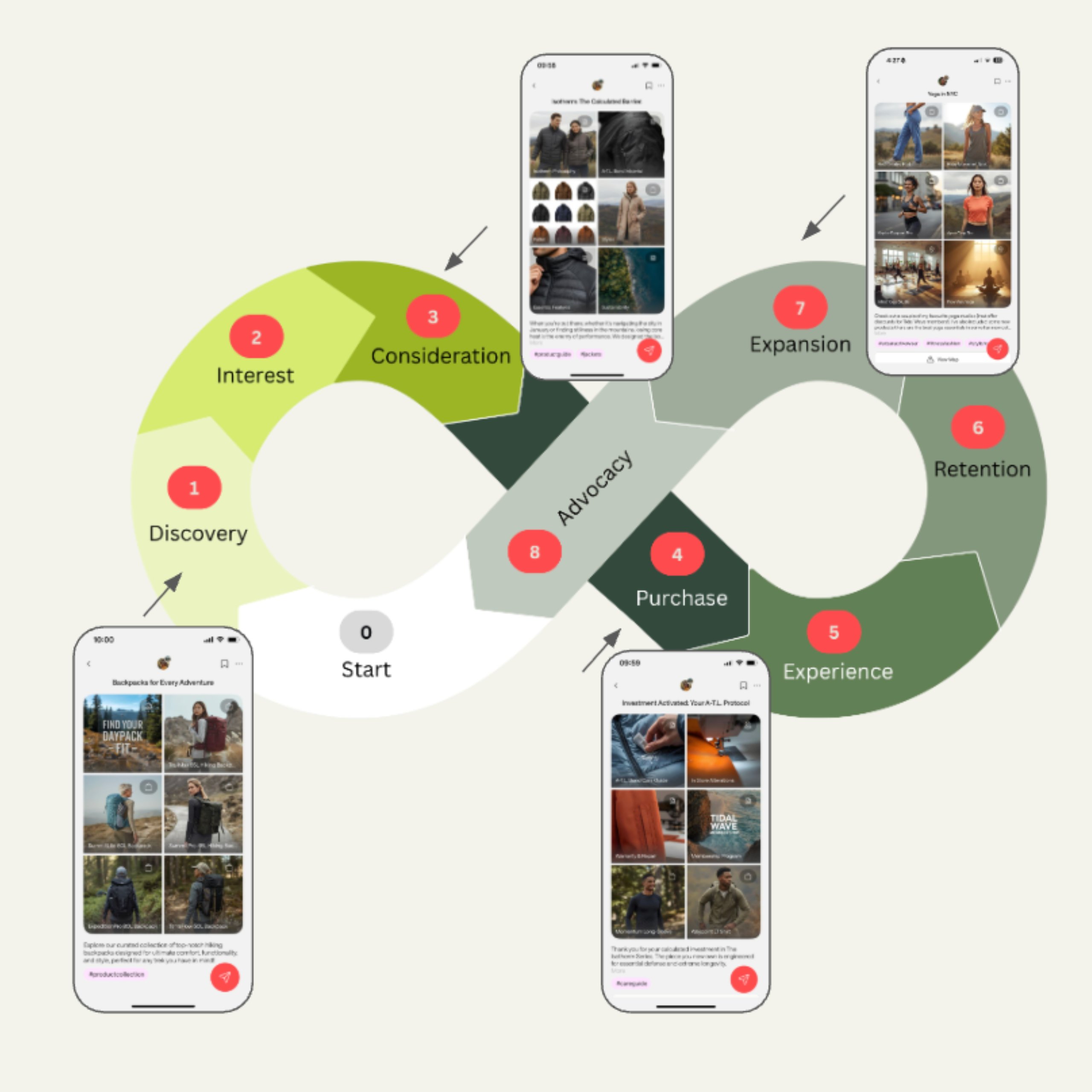
Map to the Customer Journey
Sixes map to specific stages of the Customer Journey:
1. Discovery/Interest
- Products by Category or Trend
- Products by Activity or Fabric
- Launches, Seasonal
- Promotions/Specials
- Product Education
2. Experience
- Post-purchase care
- Styling Education
- Refund Options
- Conversion after engagement
3. Expansion
- Outfit Collection
- Purchase follow-up, resources
- Purchase follow-up, related items
- Collect Preferences
4. Advocacy
- Inspiration, Ambassadors, Stories
- Refer a Friend
- Community
- Local experiences